Switching from Choirmate
Switch to Kordinert — and bring the choir.
Choirmate is an established choir app with practice tools, scores and messages. Kordinert does much of the same, and also puts weight on what the conductor and the board do between rehearsals: events, stage layouts, member administration and board work.
30 days free · No payment card · Every feature in every plan
The move
The Choirmate export is read for you.
Upload the export file from Choirmate under Settings → Import data. Kordinert recognises the file and suggests which section each singer belongs to. You approve before anything is saved.
- Members with section and contact details
- Activities and attendance history
- The answers to upcoming activities
- Consents are collected again, as data protection law requires
What you will recognise
Rehearsals, scores and practice tracks in the app.
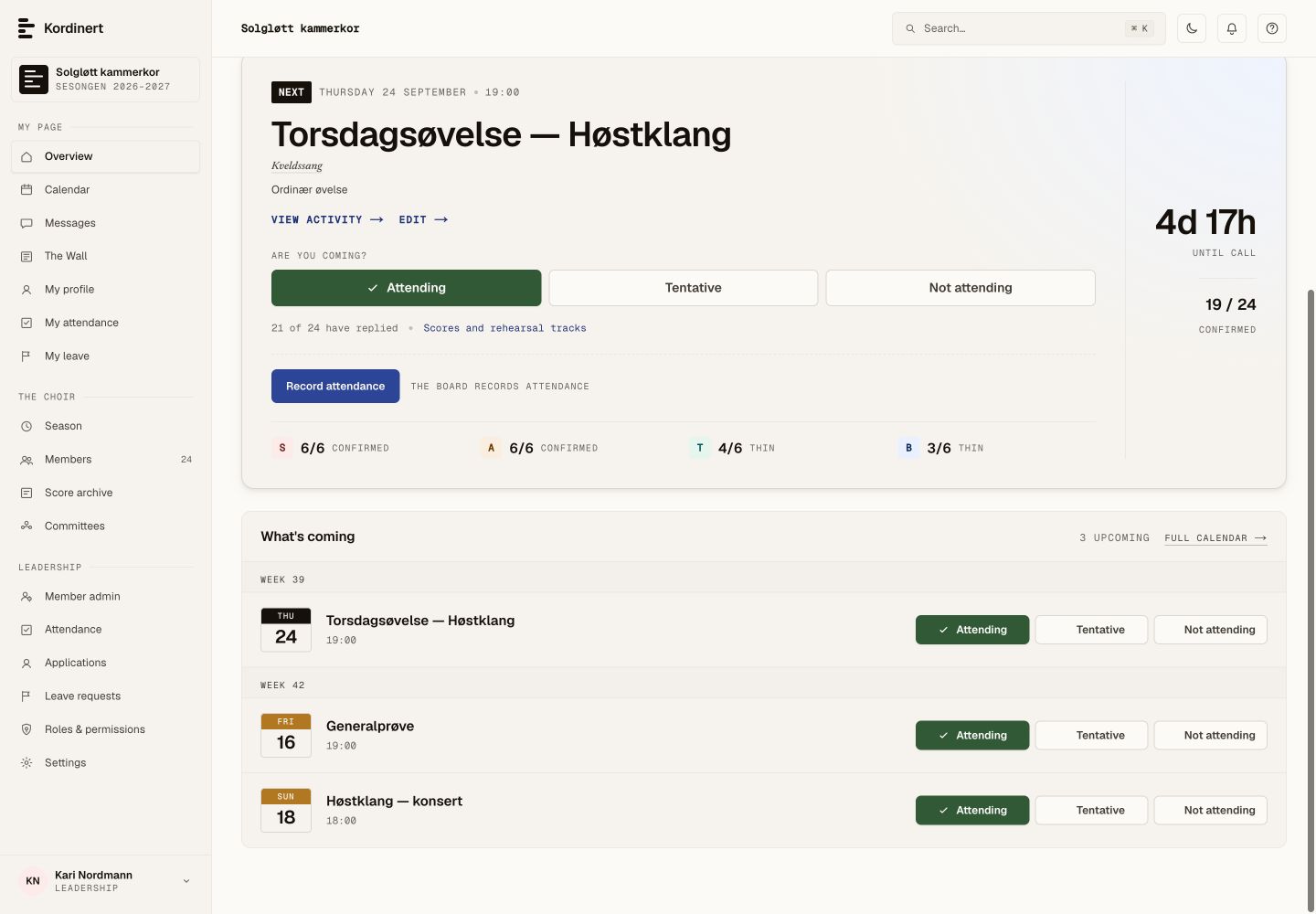
Singers get what they are used to: the next rehearsal, one-tap answers, messages and the music they are practising — on iPhone, iPad and Android.
- Calendar and RSVPs with reminders
- A score library with PDF, MusicXML and practice tracks
- Voice mixer and lyrics that follow the track
- Messages, section conversations and the Wall
What is different
More for the conductor and the board.
Kordinert is built around the events the choir works towards, and gives the board tools that otherwise often live in spreadsheets.
- Events with a programme, attendance requirements and a running order
- A stage layout, published to the singers
- Applications, auditions, trial periods and leave
- Membership fees, board meetings and grants
Common questions
How do we move from Choirmate to Kordinert?
Export the members, and the attendance if you like, from Choirmate. Start a choir in Kordinert and upload the files under Settings → Import data. Kordinert recognises the Choirmate export and shows what will be imported before you approve.
What does switching cost?
Moving costs nothing. You get 30 days free without a payment card, and after that the choir pays by the number of members. Every plan has the same features.
Can we use both for a while?
Yes. Nothing changes in Choirmate when you import, so you can try Kordinert with the choir before you decide.
What happens to the consents from Choirmate?
A consent applies to the system it was given in. So Kordinert asks the members for consent again after the import, with a consent renewal the board sends out.
More about Kordinert
Watch the films «Kom i gang med Kordinert» and «Fra plan til konsert» on our YouTube channel (in Norwegian).
Ready when the choir is ready.
Set up your choir today. 30 days free trial — no card required.