Your choir, in your pocket.
Answer the rehearsal, practise your part and keep up with the messages — from your phone or your tablet. The app is for everyone in a choir that uses Choirdinated, and you sign in with the same account as on the web.
Coming soon to the App Store and Google Play. Until then, use Choirdinated in the browser on your phone.
In both stores the app is called Kordinert.
Home
What is next comes first.
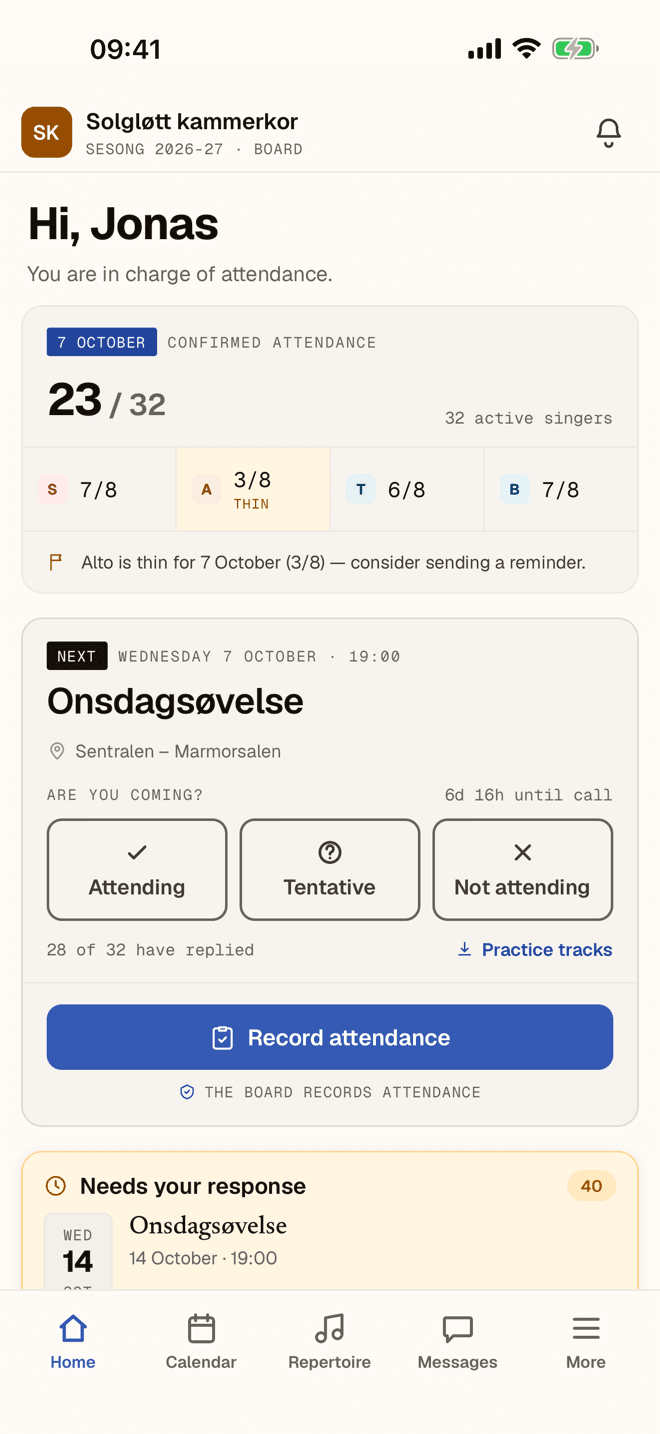
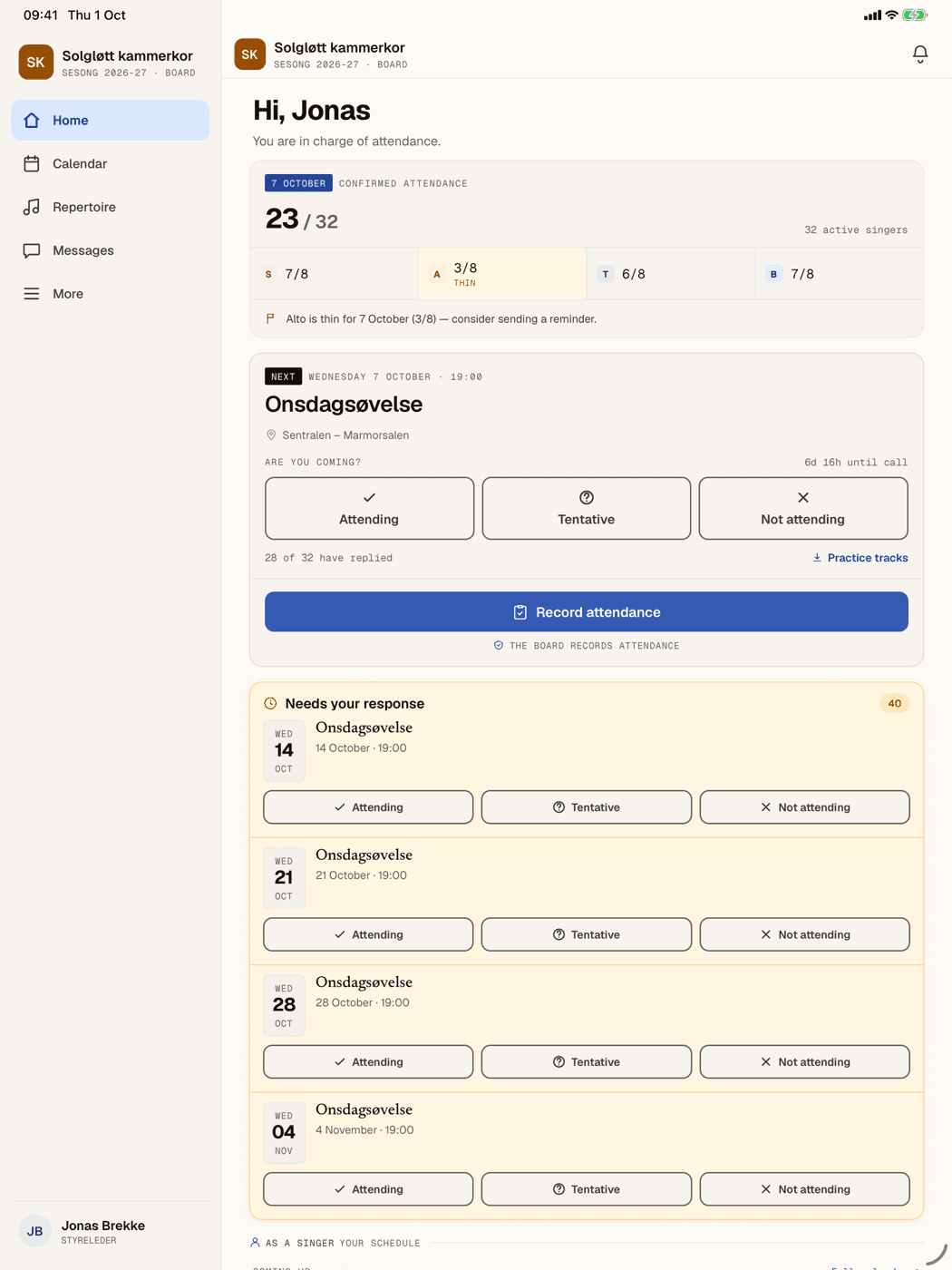
The app opens on the next rehearsal, with its time and place. Answer Attending, Tentative or Not attending in one tap, and see what is still waiting for your answer. If you are responsible for attendance, you also see how many are coming in each voice group.
Pictures from the app. Solgløtt kammerkor is a fictional choir.
Practise your part.
Practice tracks, lyrics and scores sit on the piece. Take them on the bus, to the cabin or to the piano at home.
Voice mixer
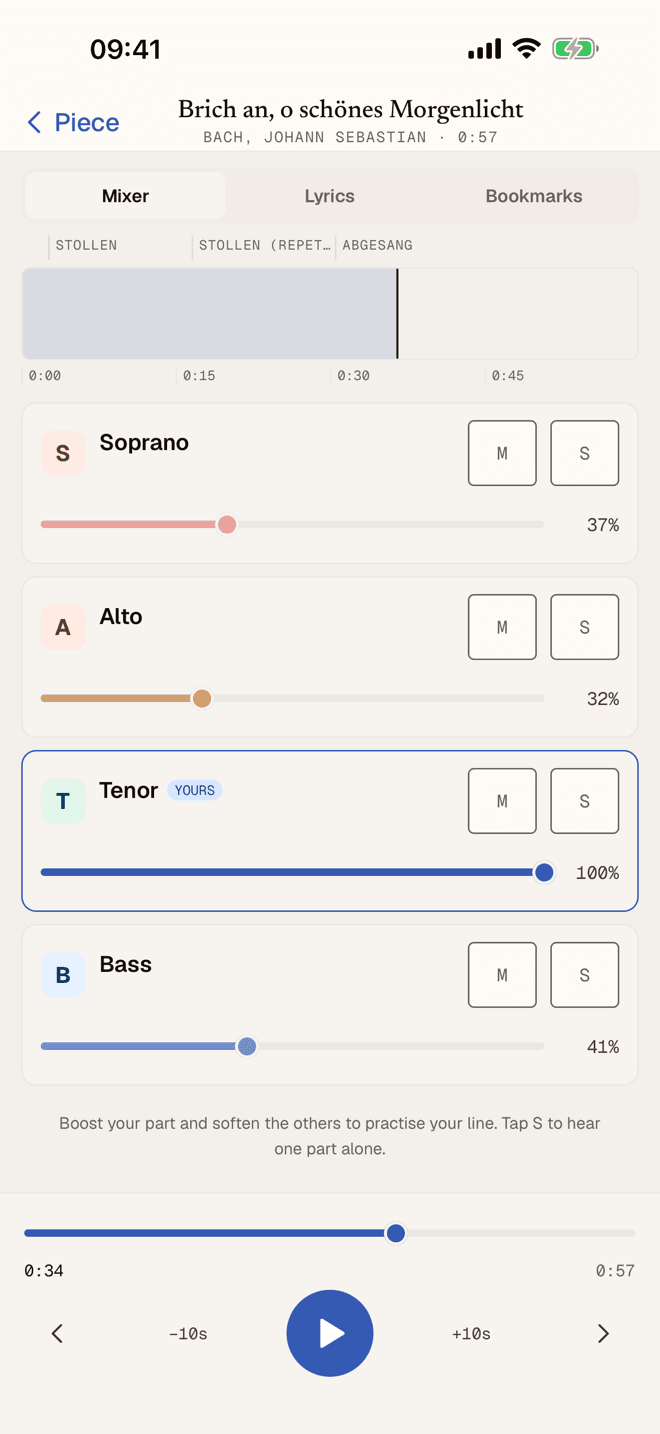
Turn your part up, the others down.
The practice tracks play together, with a volume of its own for every part. Turn yours up, soften the rest, or hear one part alone. The sound plays even when the phone is on silent.
Lyrics
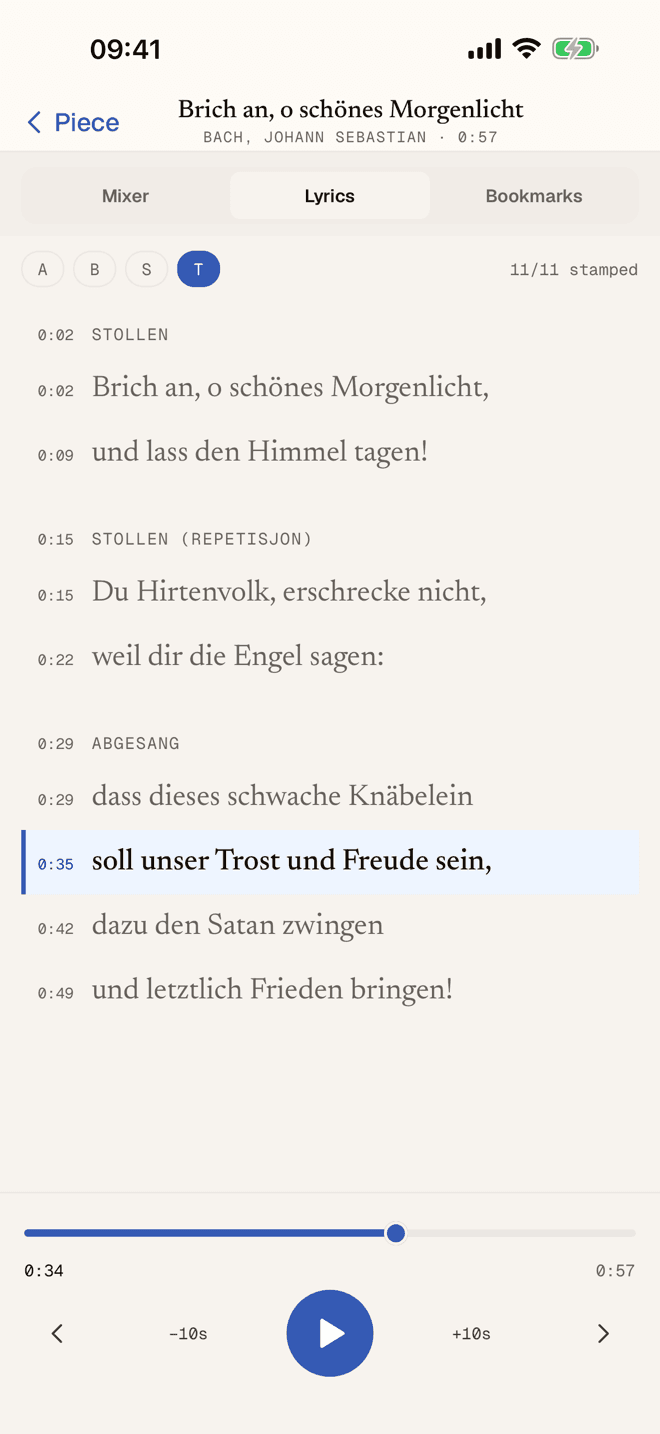
The words keep up.
The line being sung lights up as the track plays — for your part. Tap a line and playback jumps there.
Score player
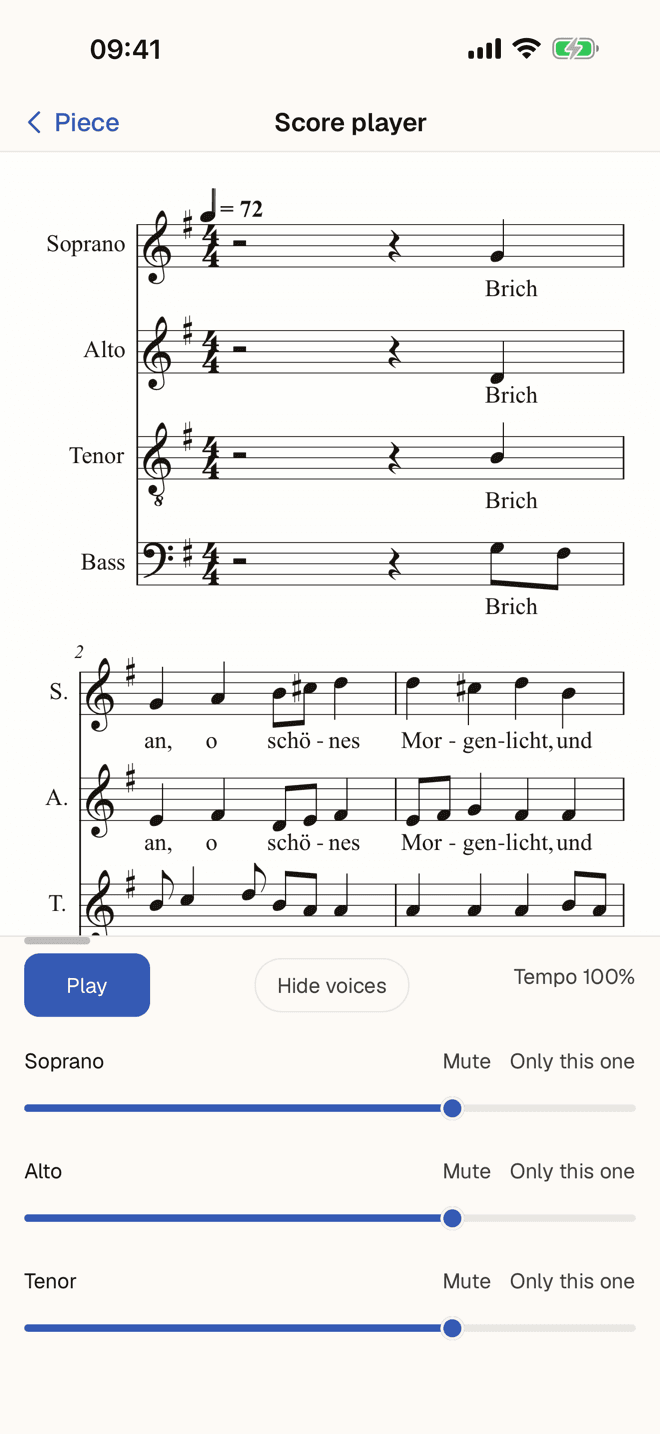
Hear the score played.
Open the score and hear it on the piano. Mute a part, listen to yours alone, and slow the tempo without changing the pitch.
Keep up with the choir.
The repertoire, the conversations and the announcements are the same as on the web. What you read on your phone is read everywhere.
Repertoire
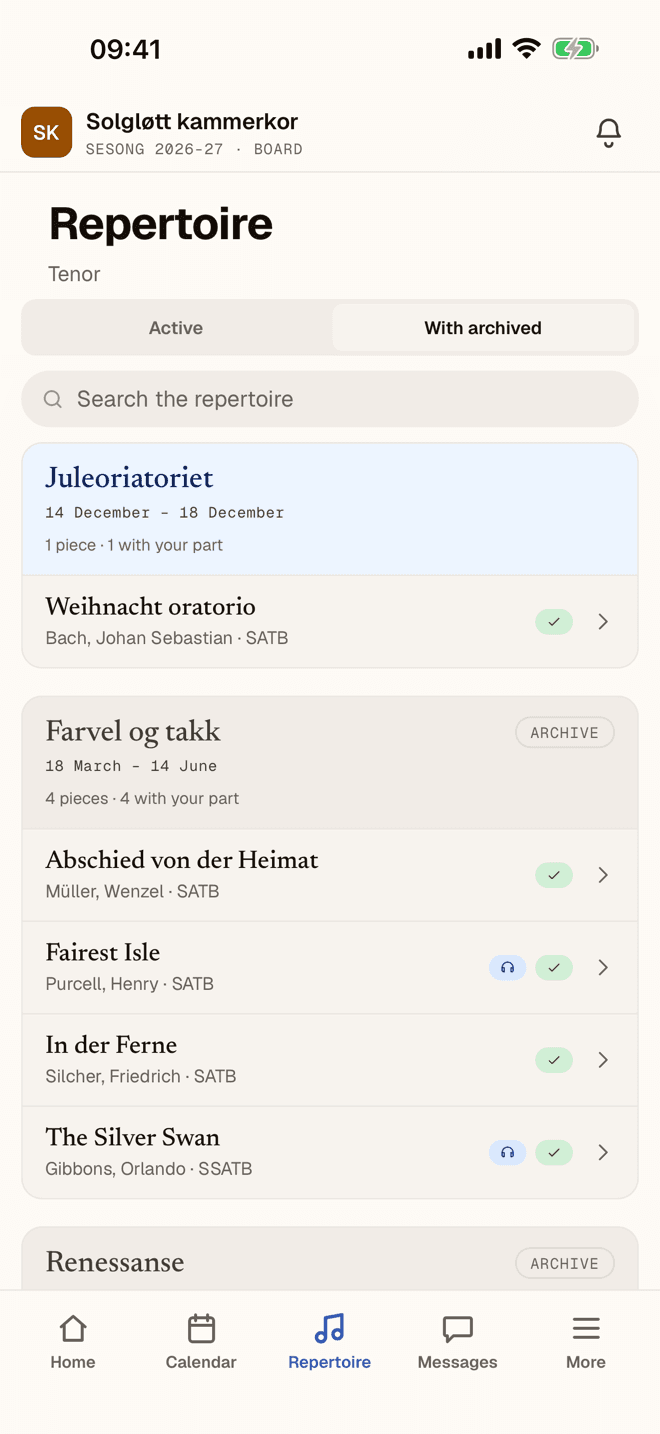
Everything you sing.
The pieces sit under the production they belong to, with scores and practice tracks. Search the repertoire when you know what you are looking for.
Messages
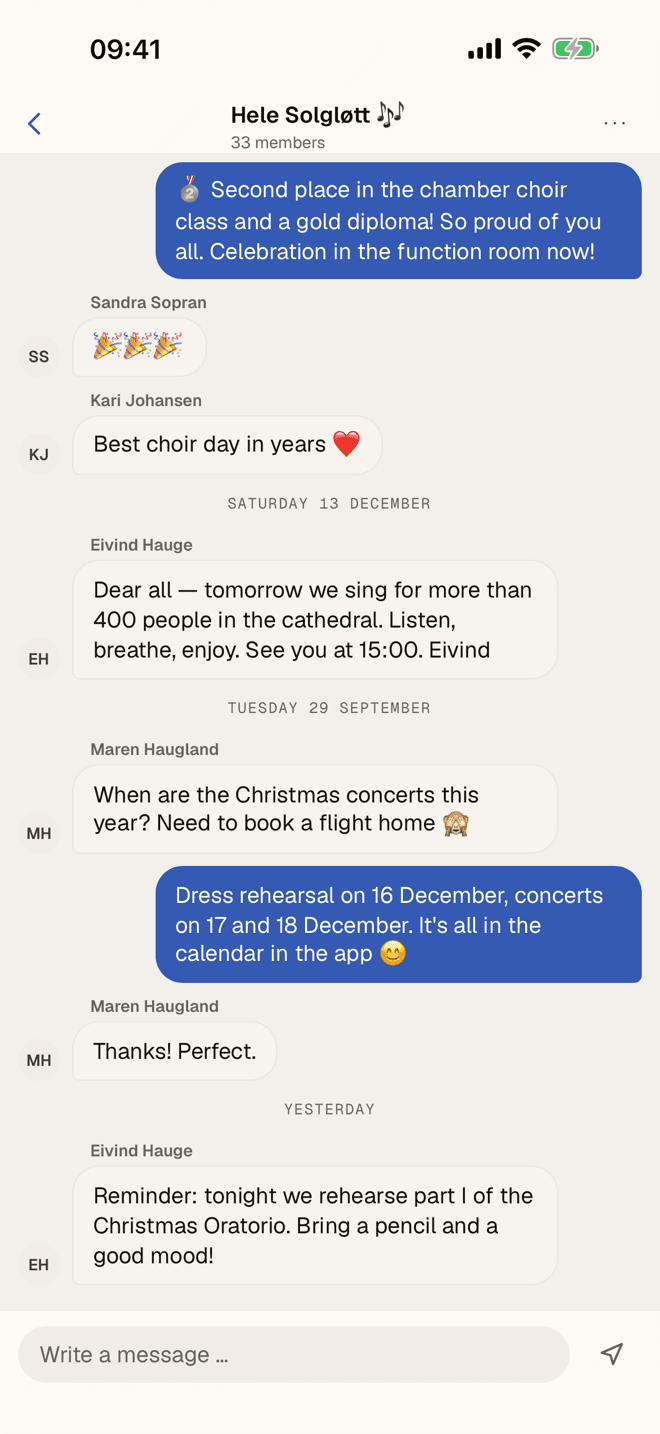
Tell the choir.
Write to the whole choir, to your voice group or to one person. You can edit and delete your own messages, and mute a conversation when it gets busy.
The wall
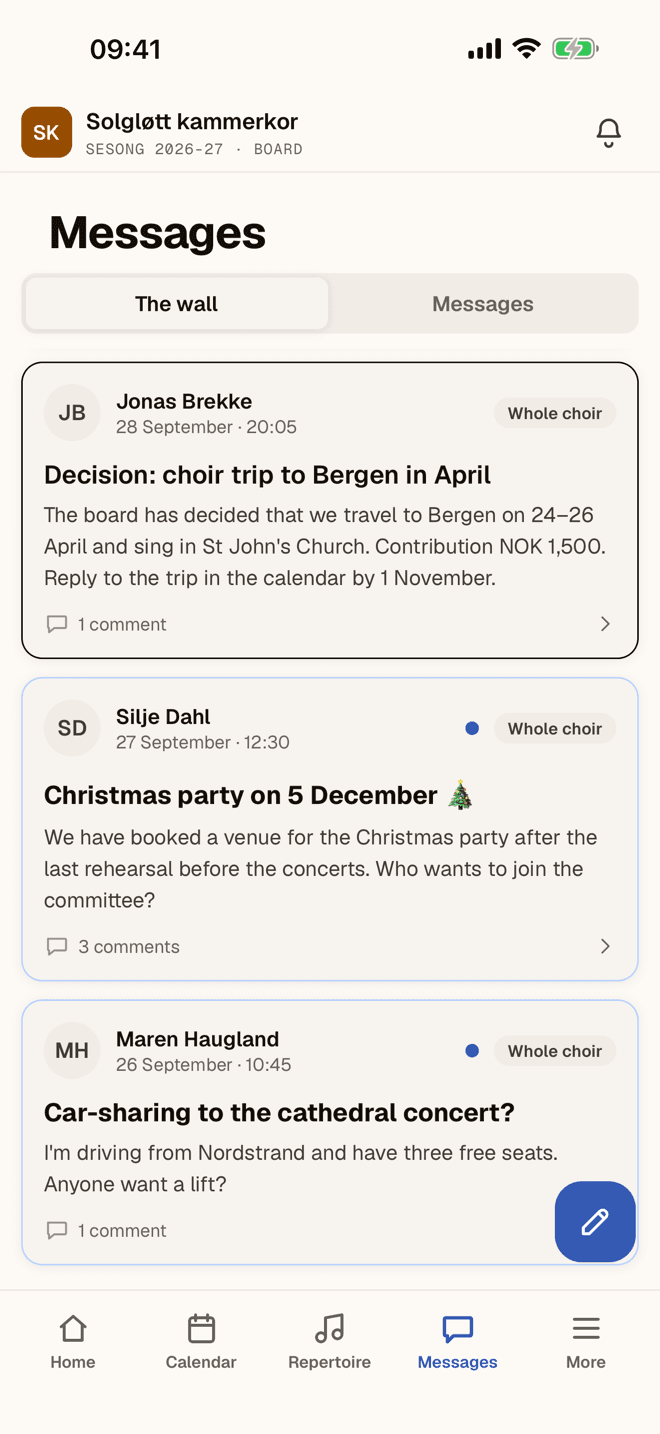
The announcements in one place.
Decisions, practical notices and the social side of choir life live on the wall. Comment and react — from your phone too.
And the rest is there too.
The small things that make the app fit into an ordinary week.
Notifications that take you there
A tap on a push notification opens the activity, the conversation or the post it is about.
Rehearsals in your own calendar
Turn on calendar sync and the choir’s activities sit in your phone’s calendar — and follow along when something changes.
Attendance at the rehearsal
If you are responsible for attendance, you record who came, voice group by voice group.
Light or dark
Choose the appearance yourself, or let the app follow your phone.
Several choirs, one app
If you sing in more than one choir, you switch between them without signing in again.
At home on the tablet.
On iPad and Android tablets the menu moves out to the side and the content keeps a readable column. The tablet works both upright and on its side.
See Choirdinated in use.
The pictures are from the demo choir Solgløtt kammerkor. Sign in to it in your browser and look around, or start your own choir with a 30-day free trial.